Description
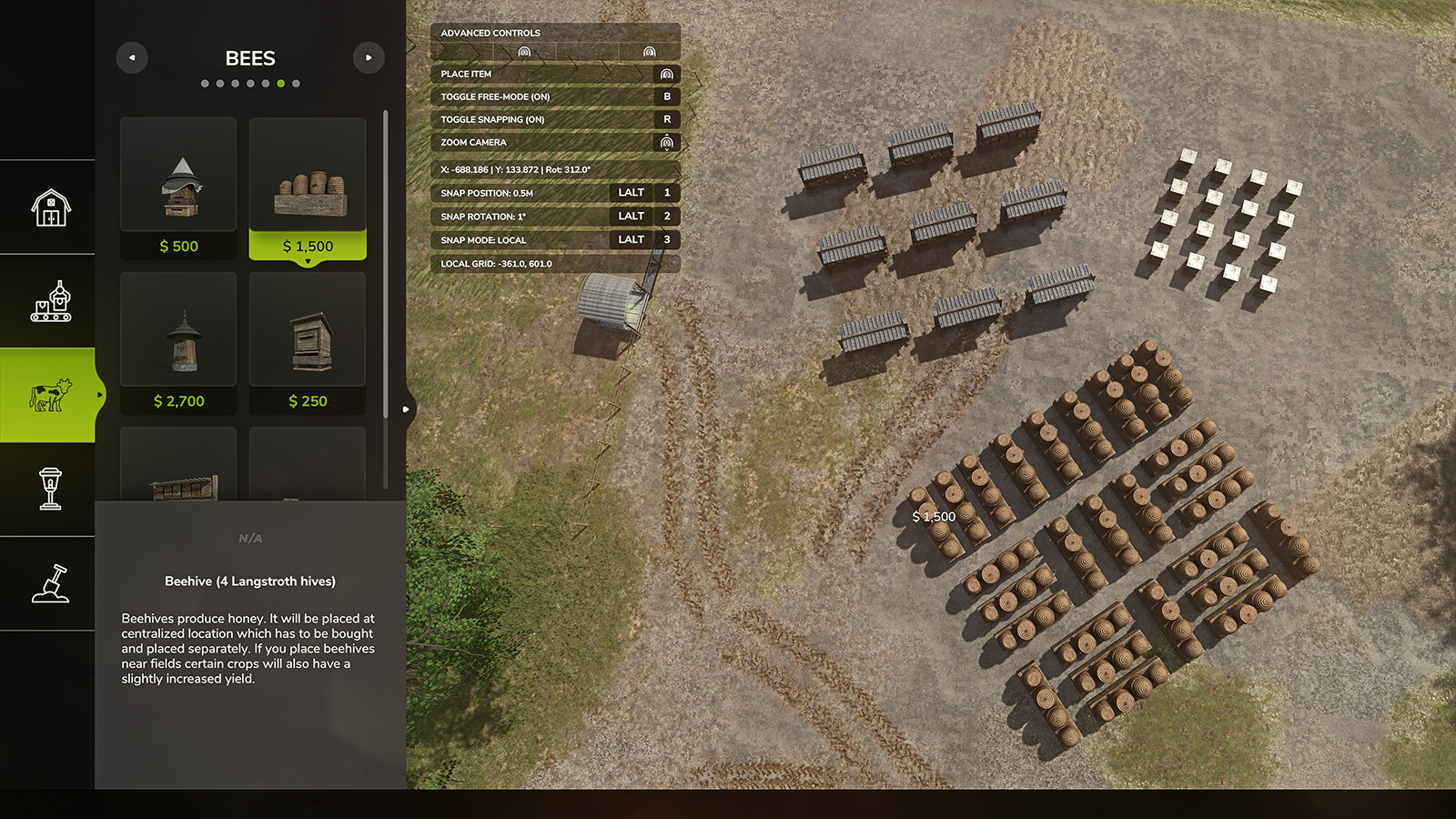
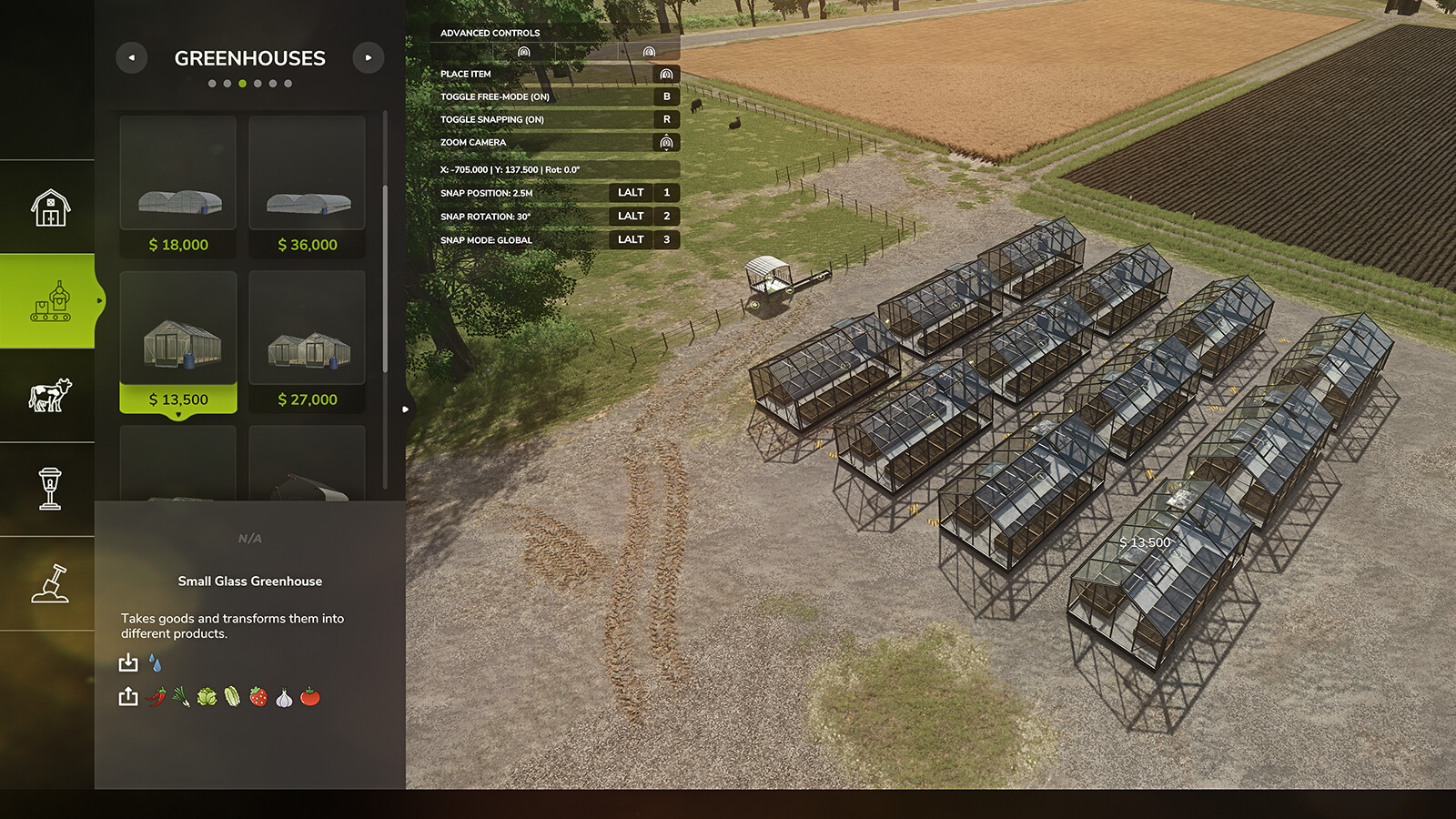
FEATURES: • Real-time coordinate display (X, Z position and rotation) in the construction HUD with 3-decimal precision • Customizable position snapping increments: 0.1m, 0.25m, 0.5m, 1.0m, 2.5m, 5.0m • Customizable rotation snapping increments: 1°, 5°, 10°, 15°, 30°, 45° • Local/Relative snap mode - entire grid rotates with building angle for perfect parallel alignment at any rotation DEFAULT KEYBINDS: • LALT + 1: Cycle Position Snap - Change position grid size • LALT + 2: Cycle Rotation Snap - Change rotation angle step • LALT + 3: Toggle Local Snap Mode - Switch between world grid and building-relative snapping All keybinds can be customized in Settings > Controls. GLOBAL vs LOCAL SNAP MODE: • Global Mode: Building snaps to world X/Z coordinate grid (best for 90° aligned placements) • Local Mode: Entire snapping grid rotates with the building - objects placed at the same local grid coordinates will form perfectly parallel lines in world space, regardless of rotation angle. Ideal for creating aligned rows of buildings at any angle (30°, 45°, 60°, etc.) HOW LOCAL MODE WORKS: When placing multiple objects at the same rotation (e.g., 30°), they will align in straight lines parallel to each other. The grid rotates rigidly with your building, so objects placed at local grid positions (3,0), (6,0), (9,0) will form a straight line at 30° in world space. GitHub link: https://github.com/gingerskull/FS25-ConstructionHelper Game Farming Simulator 25 Manufacturer None Category Gameplay Author gingerskull Filename FS25_ConstructionHelper.zip Size 84 KB Version 1.0.0.0 Released 11.05.2026 Platform PC/MAC User Rating: 4.3 (35) DOWNLOAD
Specifications
- Game
- Farming Simulator 25
- Category
- Другое
- Version
- 1.0.0.0
- Size
- 84 KB
- Published
- 22.10.2026
- Views
- 2
Attribution
- Source
- https://www.farming-simulator.com/mod.php?mod_id=361863&title=fs2025
- Author
- gingerskull
- Imported
- 2026-10-22 22:08
Similar mods
More mods for Farming Simulator 25 — matched by category, tags and popularity
Comments
0No comments yet — be the first.