Description
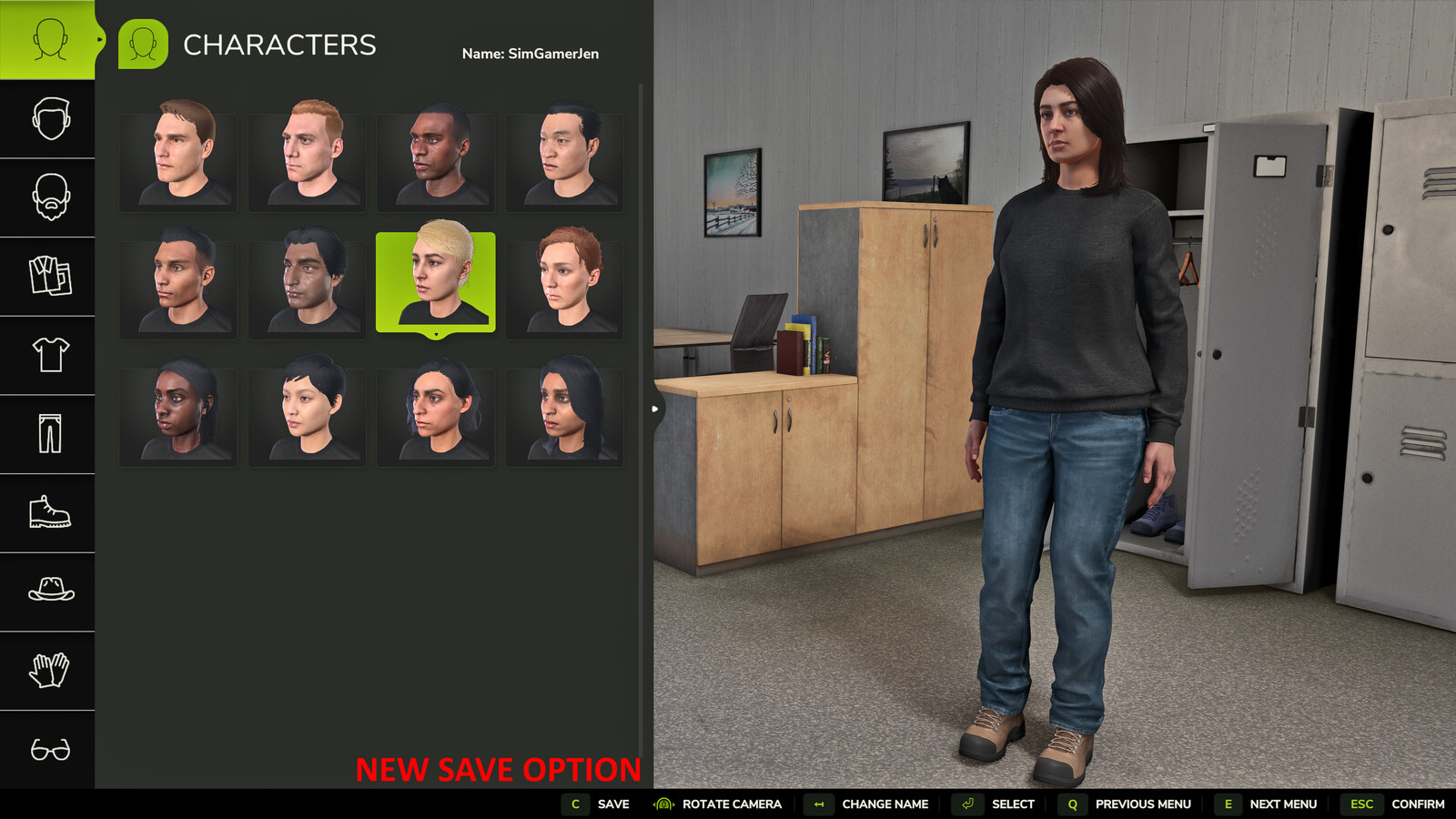
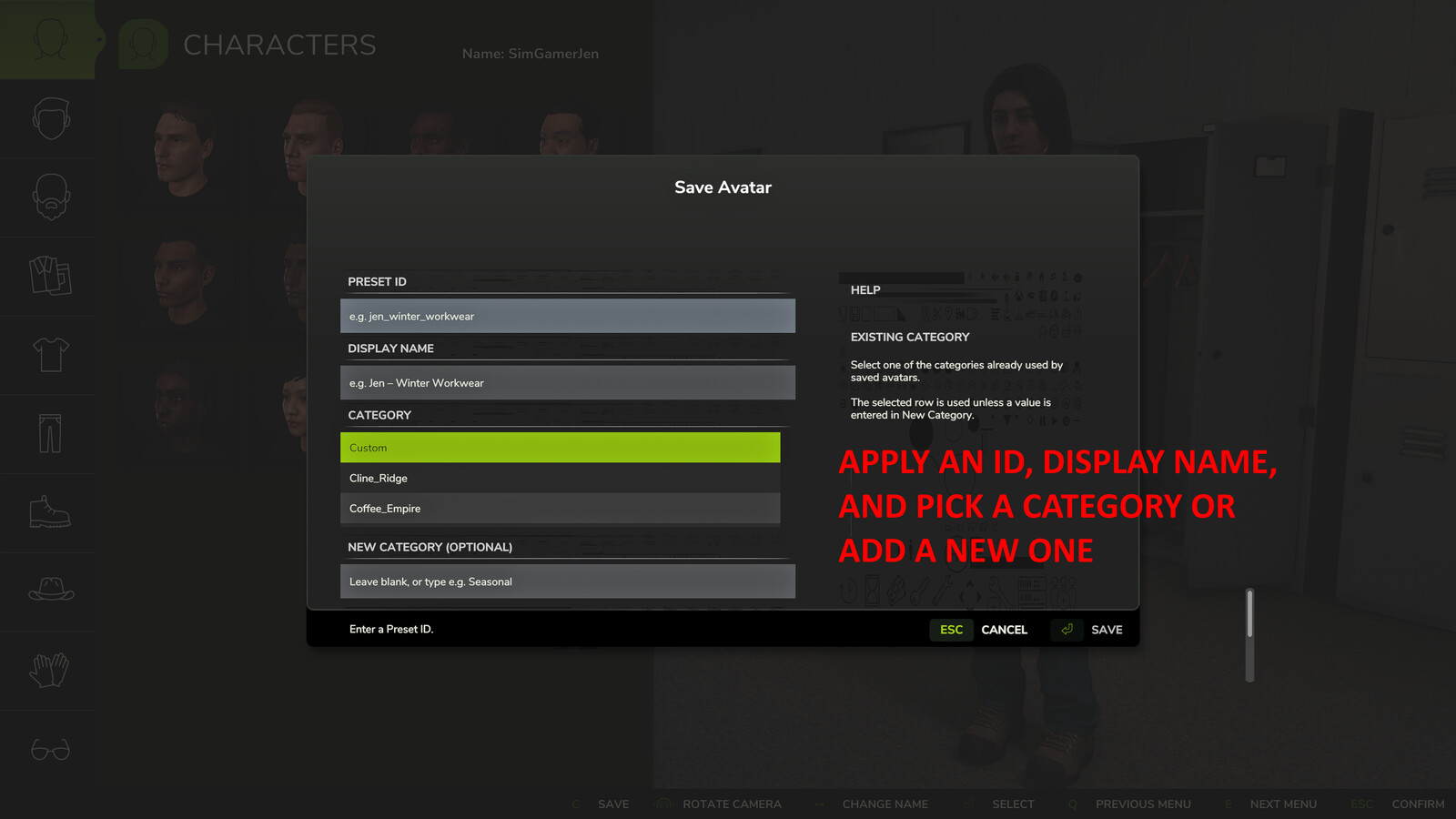
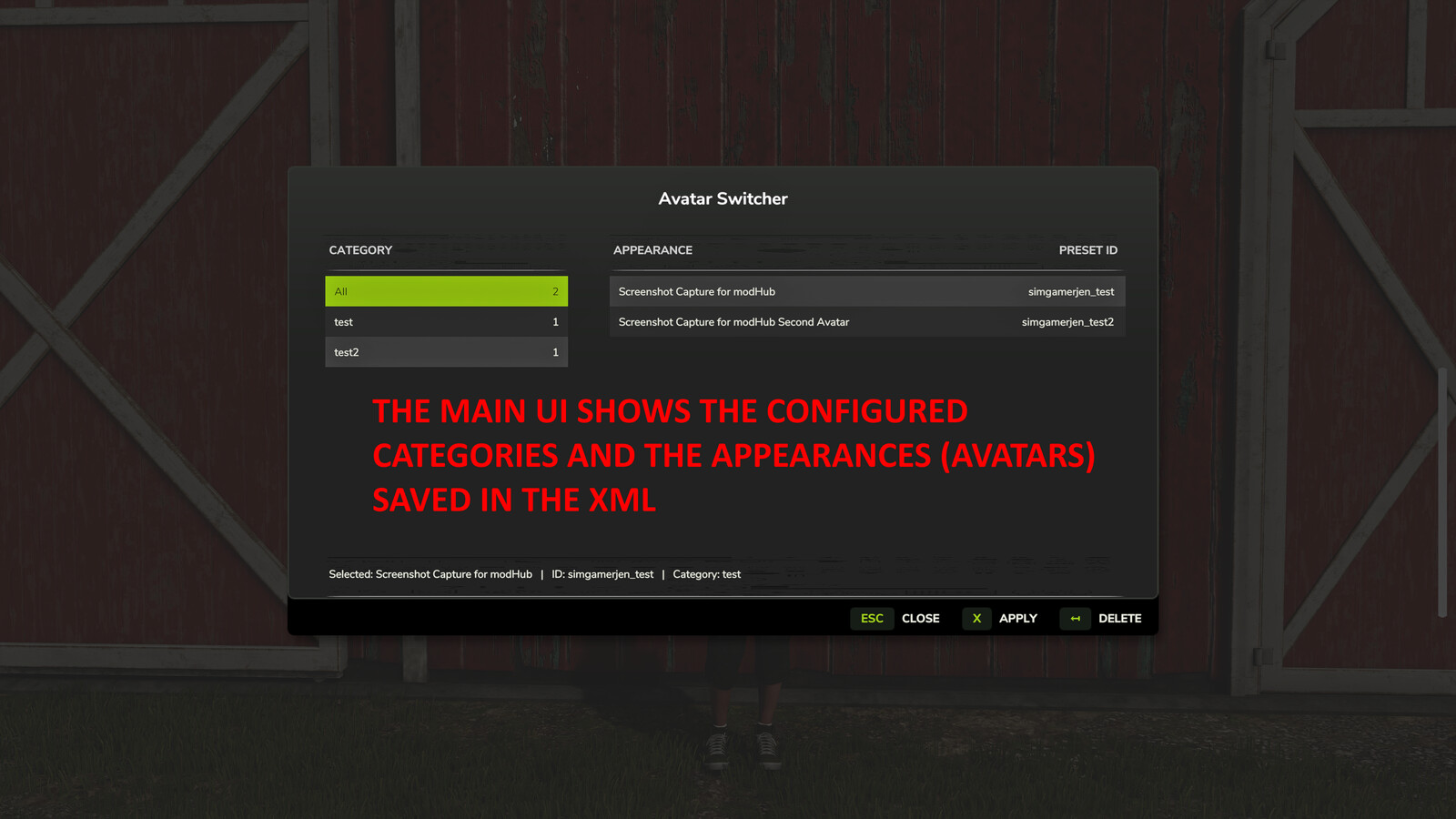
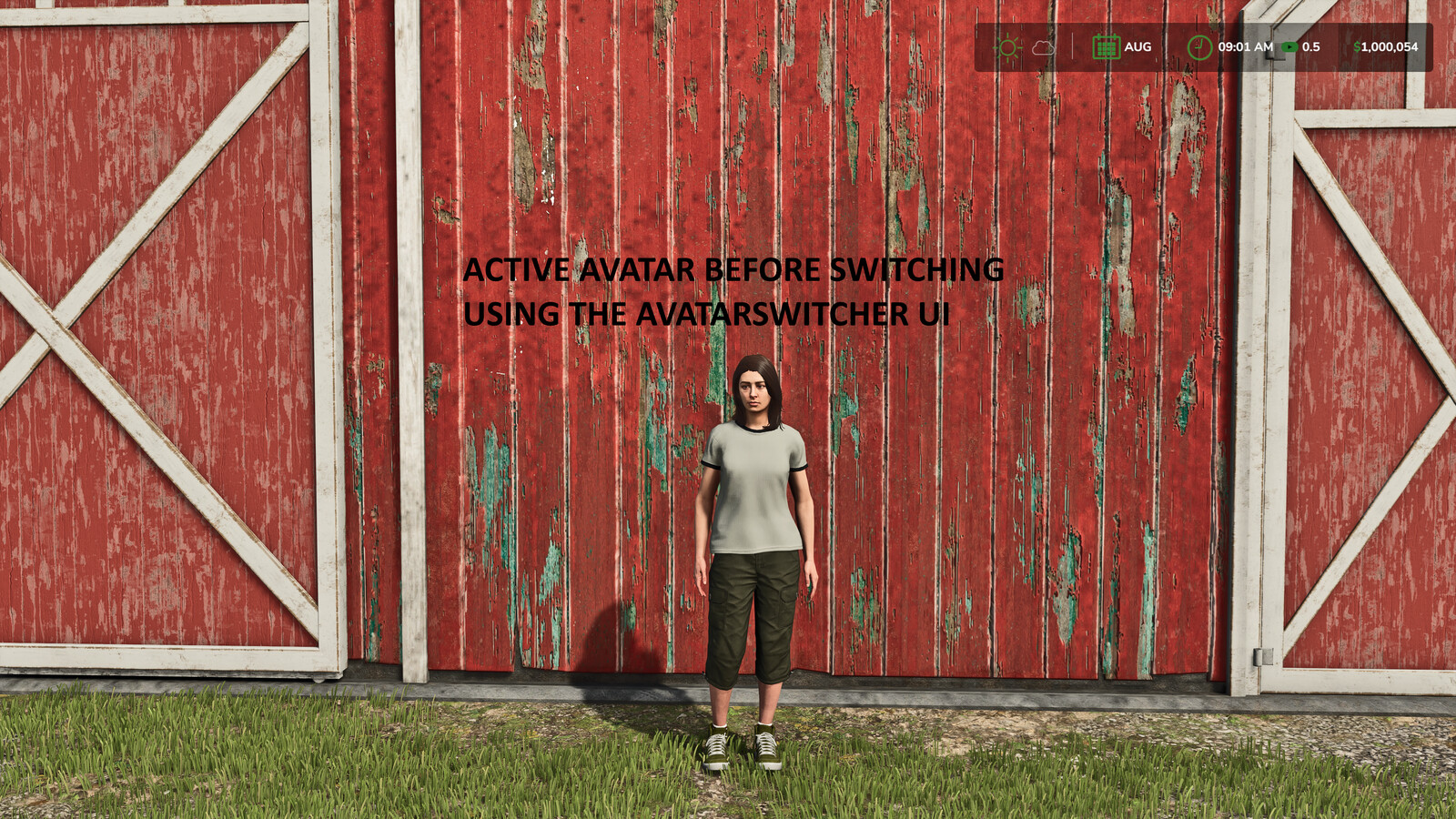
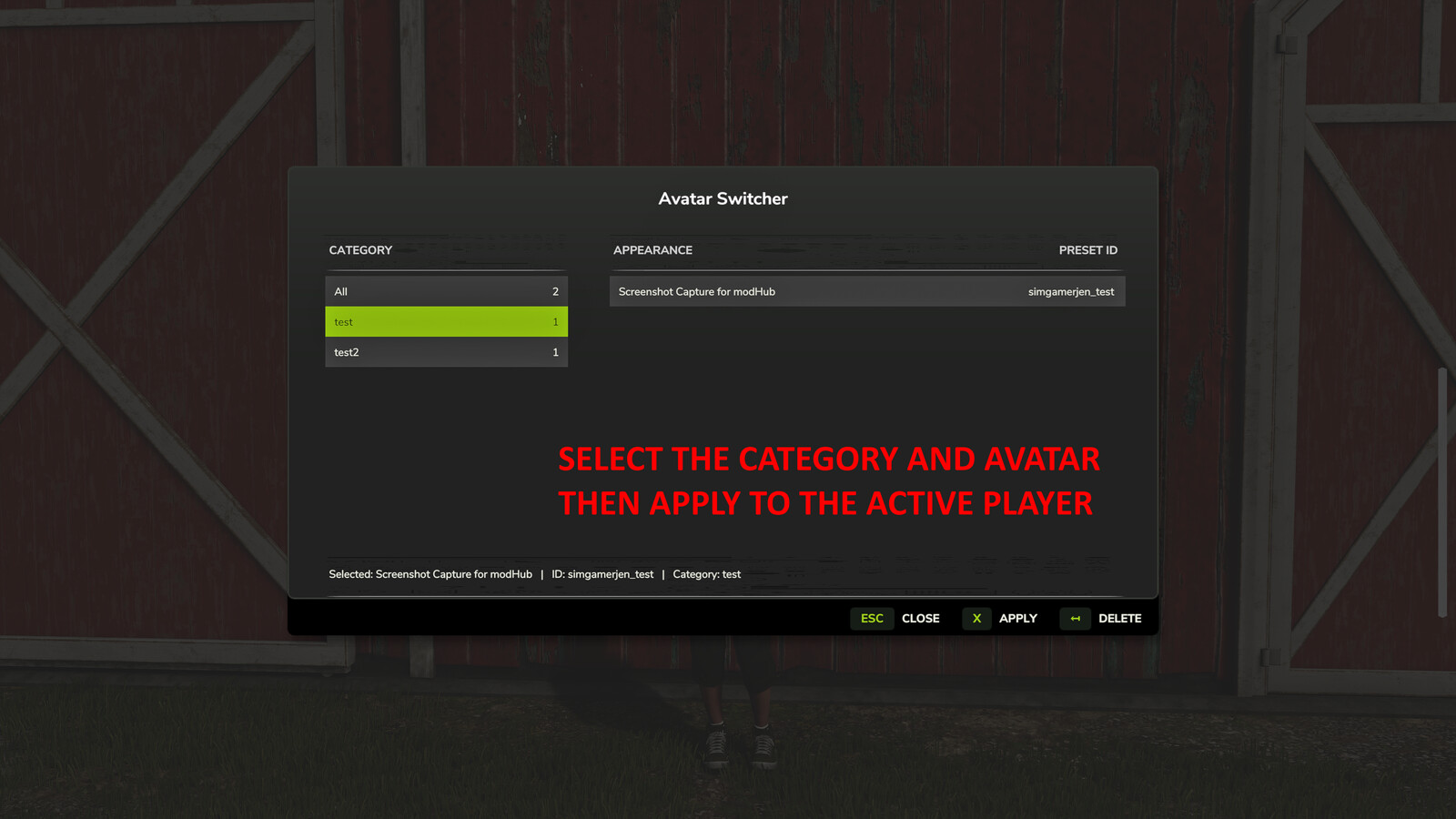
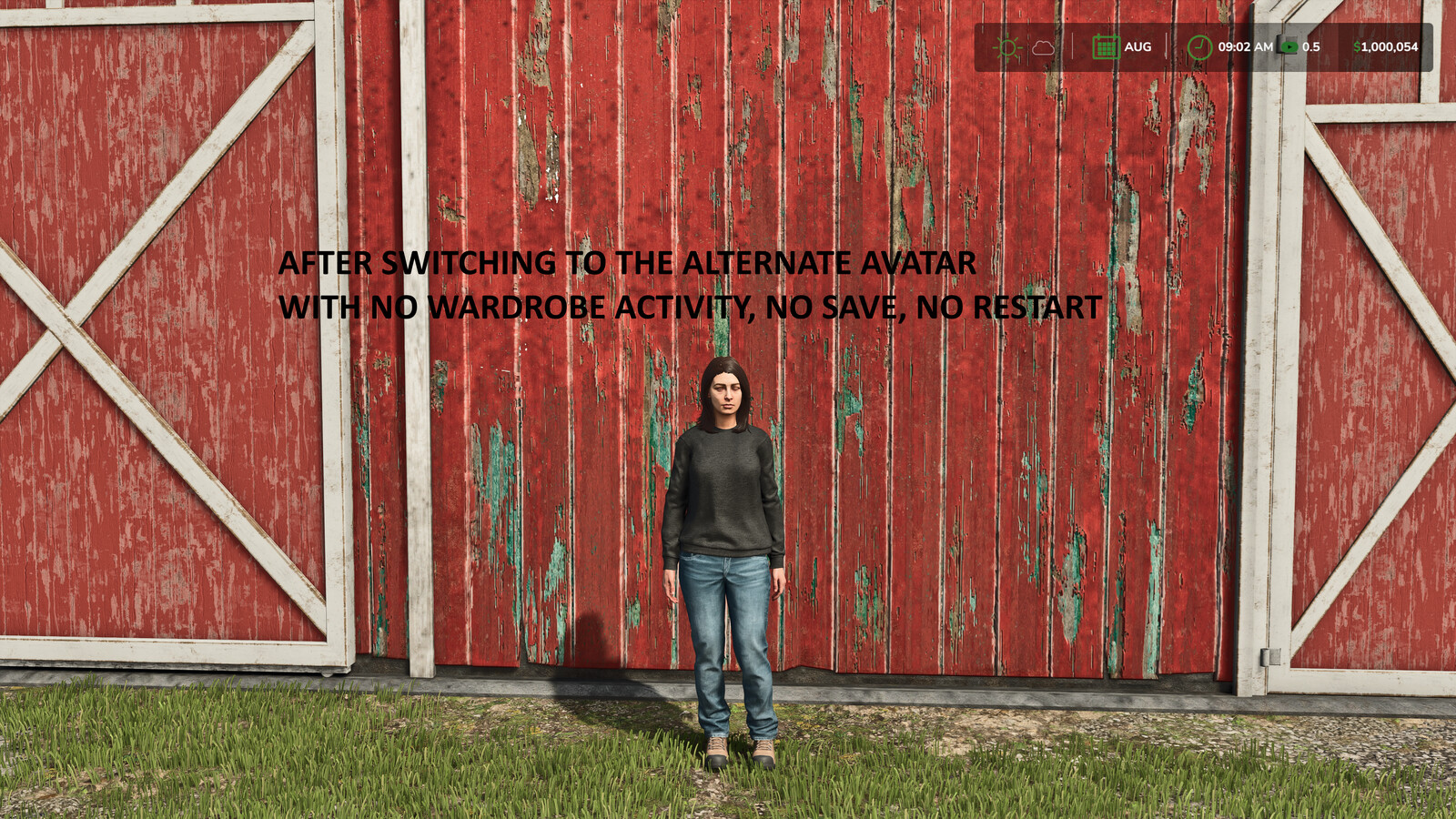
Avatar Switcher Save the current player appearance as a reusable preset and switch between saved avatars from an in-game menu. Features: - Save the current wardrobe appearance as a preset - Give each preset a unique ID, display name and category - Select an existing category or create a new category when saving - Contextual help explains the Preset ID, Display Name and Category fields - Filter, apply and delete saved appearances from the Avatar Switcher menu - Open the selector while on foot or inside a vehicle - Store presets in the Avatar Switcher mod settings folder Default control: Alt+Shift+A opens Avatar Switcher. The key binding can be changed in the in-game controls menu. How to use: 1. Open the wardrobe and configure the player appearance. 2. Select "Save to AvatarSwitcher". 3. Enter a unique Preset ID and an optional Display Name. 4. Select an existing category or enter a new category, then select Save. 5. Press Alt+Shift+A to open Avatar Switcher. 6. Select a category and appearance, then select Apply. Deleting a preset does not change the appearance currently being used. This mod is designed for single-player use and does not support multiplayer. Game Farming Simulator 25 Manufacturer None Category Gameplay Author SimGamerJen Filename FS25_AvatarSwitcher.zip Size 76 KB Version 1.0.0.0 Released 07.09.2026 Platform PC/MAC User Rating: 4.8 (4) DOWNLOAD
Specifications
- Game
- Farming Simulator 25
- Category
- Другое
- Version
- 1.0.0.0
- Size
- 76 KB
- Published
- 16.10.2026
- Views
- 1
Attribution
- Source
- https://www.farming-simulator.com/mod.php?mod_id=369813&title=fs2025
- Author
- SimGamerJen
- Imported
- 2026-10-16 19:07
Similar mods
More mods for Farming Simulator 25 — matched by category, tags and popularity
Comments
0No comments yet — be the first.