Description
Seat Adjustments No Limits v1.5 ETS2 Changelog 1.5: Update Description Added compatible versions: 1.58, 1.59, 1.60, 1.61 This mod removes the default seat movement limits in Euro Truck Simulator 2, allowing you to fully adjust your camera position inside the cabin. Move the seat freely in any direction forward, backward, up, down, or even outside the default boundaries giving you total freedom over your view. It’s especially useful for players who love creating cinematic screenshots, realistic driving setups, or creative in cabin videos. With this mod, you can explore every corner of your truck’s interior and find the perfect angle for immersion or recording. Features: Removes seat adjustment limits Full camera freedom inside the cabin Great for cinematic shots and videos Works with all trucks in ETS2 Credits: Smokzda How to install ETS2 mods or ATS Mods In Euro Truck Simulator 2 it’s easy to install mods. You just need to download mod from here, copy/unzip files into: “My Documents\Euro Truck Simulator 2\mod” folder or if you play ATS please install mods to: “My Documents\American Truck Simulator\mod” folder. To unzip files you can use: WinRAR or 7zip. After that you need to activate the mods you want to use. Report bugs in the comments and help modders improve this mod. Always check the comments, you can find a solution. DOWNLOAD MOD
Specifications
- Game
- Euro Truck Simulator 2
- Category
- Другое
- Version
- 1.5
- Size
- 0 B
- Published
- 03.11.2026
- Views
- 2
Attribution
- Source
- https://www.ets2world.com/seat-adjustments-no-limits-v1-5-ets2/
- Author
- ETS2Mods
- Imported
- 2026-11-03 05:16
Similar mods
More mods for Euro Truck Simulator 2 — matched by category, tags and popularity
Mercedes Benz Atron 1635 1.61 ETS2
↓ 0
👁 3
BXP Deutschland & Poland RC 161.0 ETS2
↓ 0
👁 2
BXP Russia & Poland RC 161.0 ETS2
↓ 0
👁 2
Slovensko+ – Poland Rebuilding Support Pack v5.1 1.61 ETS2
↓ 0
👁 3
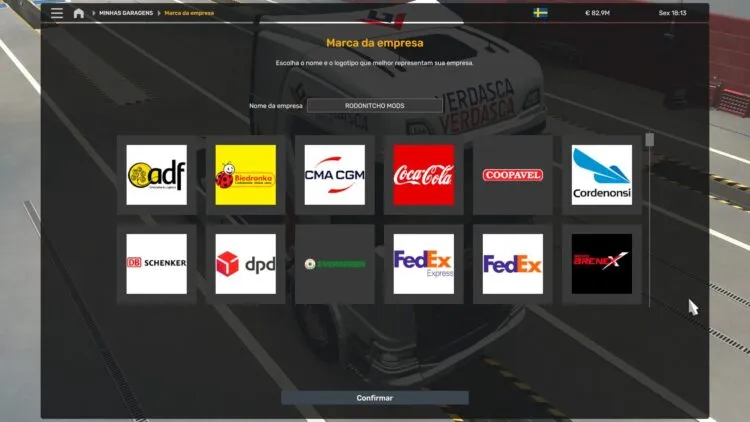
COMPANY LOGOS ETS2 BY RODONITCHO MODS 1.40 1.61 11 10 2026
↓ 4
👁 7
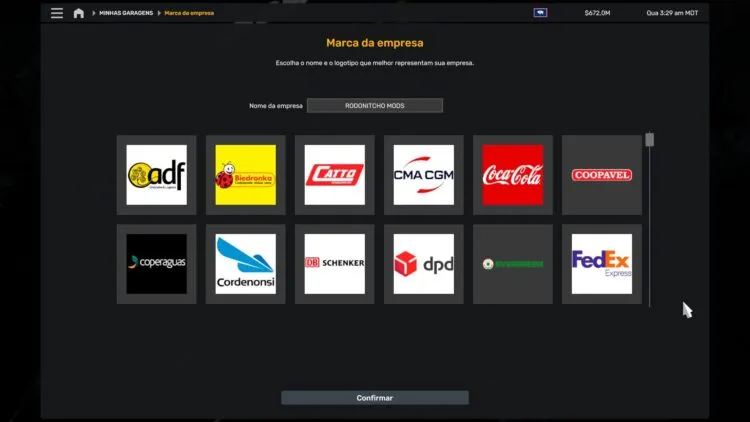
COMPANY LOGOS ETS2 BY RODONITCHO MODS 1.40 1.61 22 10 2026
↓ 3
👁 6
Comments
0No comments yet — be the first.